picoGym Forensics - Easy writeups
This post consists of writeups of the challenges CYB3R_BO1 had solved in PicoCTF practice.
picoCTF

About picoCTF:
picoCTF gamifies learning hacking with capture-the-flag puzzles created by trusted computer security and privacy experts at Carnegie Mellon University.
Using picoCTF practice platform, participants learn to overcome sets of challenges from six domains of cybersecurity including general skills, cryptography, web exploitation, forensics, etc. The challenges are all set up with the intent of being hacked, making it an excellent, legal way to get hands-on experience.
picoGym is a noncompetitive practice space where you can explore and solve challenges from previously released picoCTF competitions, find fresh never before revealed challenges, and build a knowledge base of cybersecurity skills in a safe environment.
Whether you are a cybersecurity professional, competitive hacker or new to CTFs you will find interesting challenges in the picoGym that you can solve at your own pace. Team picoCTF will regularly update this challenge repository so visit the picoGym often.
This is their Official webpage - https://picoctf.org/
This is their url for picoGym - https://play.picoctf.org/practice
Easy
DISKO 1
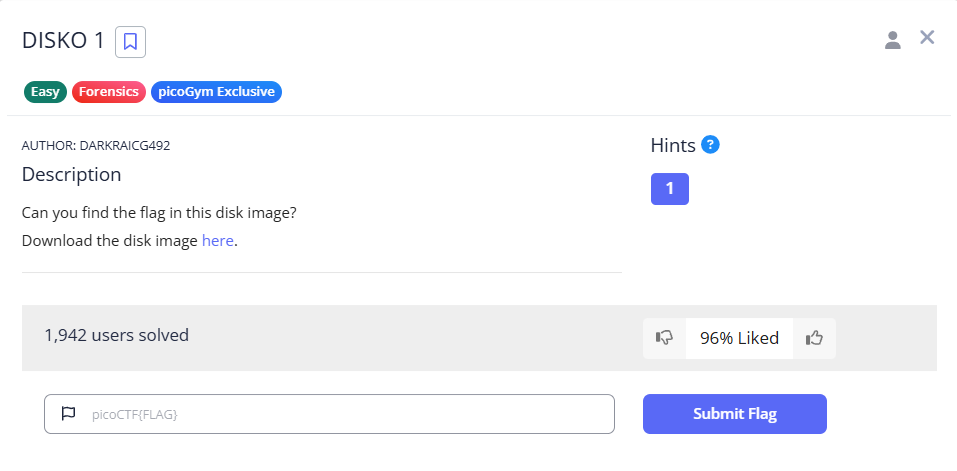
Explanation:
We are given with a disk image named - disko-1.dd.gz, it looks like it compressed using gzip so I decompressed it using the below command.
1
gzip -d disko-1.dd.gz
It returned disko-1.dd which is a - DOS/MBR boot sector, code offset 0x58+2, OEM-ID “mkfs.fat”, Media descriptor 0xf8, sectors/track 32, heads 8, sectors 102400 (volumes > 32 MB), FAT (32 bit), sectors/FAT 788, serial number 0x241a4420, unlabeled (by file command).
I used exiftool but couldn’t find anything helpful. So I thought of using strings with grep to find the flag. I used the below command.
1
strings disko-1.dd | grep "picoCTF"
I got the flag!
Flag: picoCTF{1t5_ju5t_4_5tr1n9_e3408eef}
RED
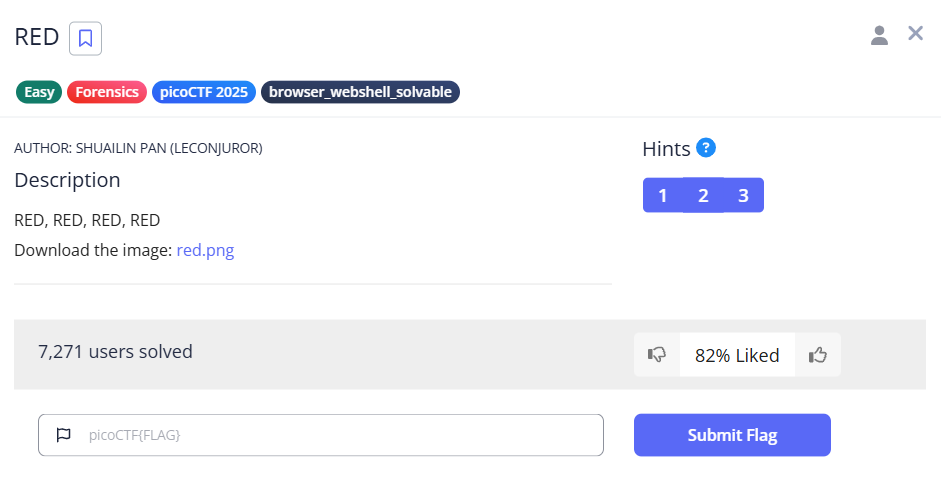
Explanation:
We are given an image - red.png, which when opened is full of red color. I tried using exiftool and strings, but no progress. So I used zsteg thinking something maybe hidden using steganography.
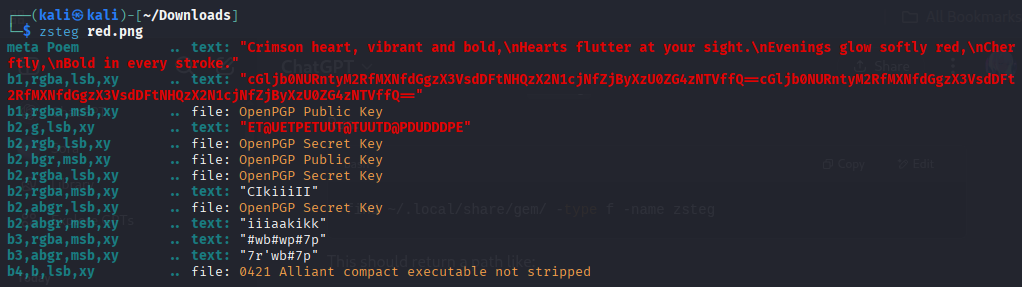
we can see some base64 text, which is the same string repeated three times continuously. So lets decode it using the below command.
1
echo "cGljb0NURntyM2RfMXNfdGgzX3VsdDFtNHQzX2N1cjNfZjByXzU0ZG4zNTVffQ==" | base64 -d
I got the flag!
Flag: picoCTF{r3d_1s_th3_ult1m4t3_cur3_f0r_54dn355_}
Ph4nt0m 1ntrud3r
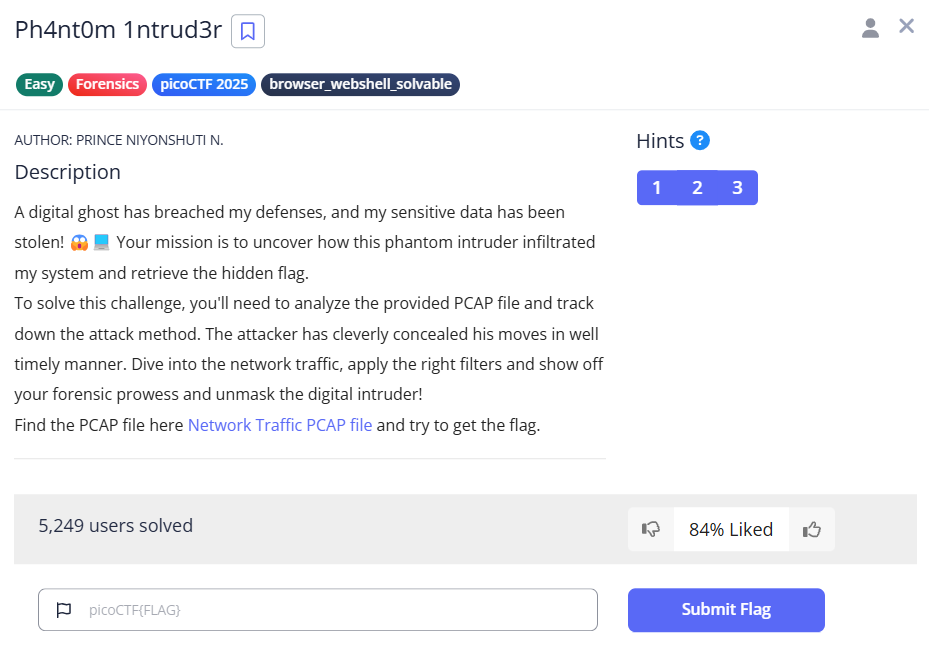
Explanation:
They have given us a pcap file. When opened the pcap file I saw base64 strings in the TCP segment data of each log. They are in all the logs, but what I found is not all of them are base64. When filtered the time in ascending order, we can find legit base64 strings at the last logs. Now by collecting them we got:
1
2
3
4
5
6
7
cGljb0NURg==
ezF0X3c0cw==
bnRfdGg0dA==
XzM0c3lfdA==
YmhfNHJfMw==
NmY0YTY2Ng==
fQ==
which when decoded using base64, gives us the flag.
I got the flag!
Flag: picoCTF{1t_w4snt_th4t_34sy_tbh_4r_36f4a666}
Verify
Explanation:
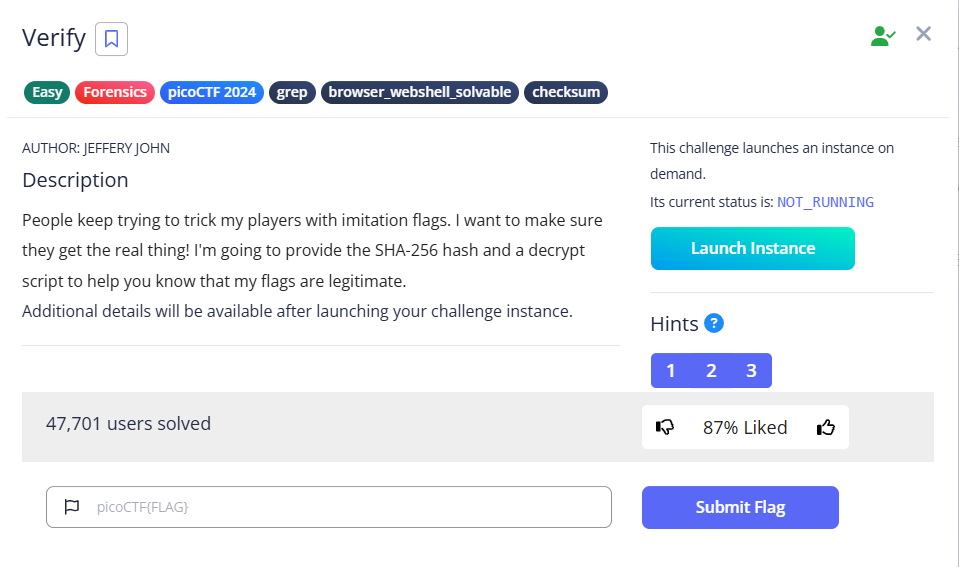
After launcing the instance, we will be provided with a custom-port SSH login command and a password. Let’s try to connect to the shell using the given command and enter the password. You will be connected to the shell.
After successfully connecting, we will be entering a challenge shell. Let’s try to check what are its contents using - ls command. It returns the following output:
1
checksum.txt    decrypt.sh  files
After checking each of them using file command, it turns out:
- checksum.txt is a text file
- decrypt.sh is a shell script
- files is a directory consisting of mutiple files.
From the description of the challenge, we can understand that - the author says they are many fake flag, so to keep track of the real flag, he provides the SHA-256 hash of the real flag file and a decrypt file. So, what we can do is compare the SHA-256 hash of all the files in the - files directory with the hash provided in the checksum.txt.
(What is SHA-256 hash? SHA-256 is a cryptographic hash function that produces a fixed 256-bit output from any input. SHA stands for Secure Hash Algorithm. It is deterministic, that means same input always gives the same hash and a checksum is another word for the hash output.)
Using the below commands:
1
sha256sum files/*
The above command generate the checksum of all the files in the files directory. Now we need to compare the output generated that is the checksum of all the files with the provided checksum of checksum.txt to get the real flag.
1
sha256sum files/* | grep -f checksum.txt
The above command will return the checksum and file name. Now checking the file using file commands returns the following:
1
files/451fd69b: openssl enc'd data with salted password
It looks like it is encrypted, lets decrypt it using the decrypt.sh script provided. After checking the contents of decrypt.sh you can know how it works.
1
./decrypt.sh files/451fd69b
After using the above we will get the flag.
I got the flag!
Flag: picoCTF{trust_but_verify_451fd69b}
Scan Surprise

Explanation:
After launcing the instance, you will be provided with custom-port SSH command and password. Connect to the shell
After connecting, you will enter into the shell and a QR will be given. By using the - ls command in the current directory, you can see there is a file called flag.png. It looks like flag.png is the QR code. Now lets analyze the QR code using the below command.
1
zbarimg flag.png
This will return some data and you can see the flag.
I got the flag!
This challenge can also be solved using mobile QR code scanner and other online QR code scanners. You don’t need to connect to the shell to solve this challenge, you can also solve it by just downloading the challenge.zip provided, unzip it and go to the flag.png directory, and either scan or using the above command to get the flag.
Flag: picoCTF{p33k_@_b00_d4ca652e}
Secret of the Polyglot
Explanation:
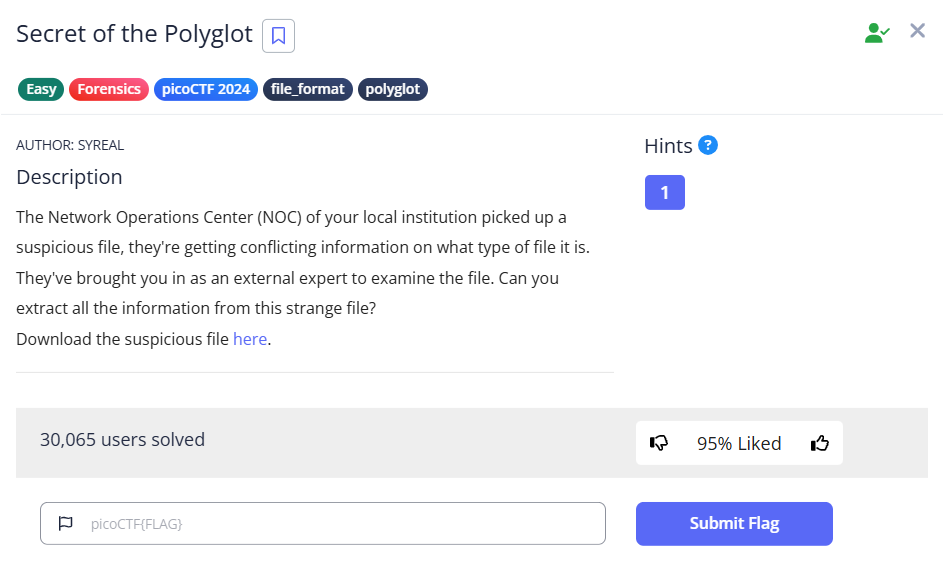
The description says something about file types so first download the file.
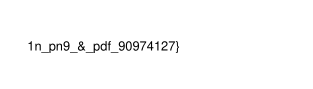
So they have given us a file named - flag2of2-final.pdf. After opening the pdf I found the flag😮……….no, the half of it, the last half. I guess we will have to find out the other half.
Now after using the file command on the given pdf file. It turns out, it is a png file. so I changed the file extension using move command.
1
2
file flag2of2-final.pdf
mv flag2of2-final.pdf flag2of2-final.png
Now after opening the png, I got the first half of the flag. Hence combining the first half and the last half we got before will give us the flag.

I got the flag!
Flag: picoCTF{f1u3n7_1n_pn9_&_pdf_90974127}
CanYouSee
Explanation:
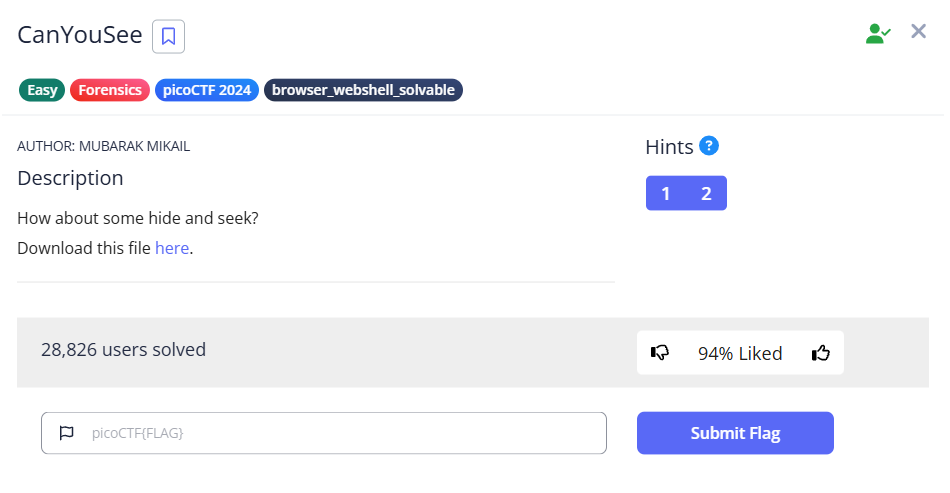
After downloading, we will get a - unknown.zip file. After unzipping we will get a jpg - ukn_reality.jpg. Now lets analysing it using few commands like file, exiftool and binwalk etc.,
When used exiftool, it returns a suspective output.

It looks like the value of - Attribution URL is a base64 encoded string, lets decrypt it.
1
echo "cGljb0NURntNRTc0RDQ3QV9ISUREM05fZGVjYTA2ZmJ9Cg==" | base64 -d
I got the flag!
Flag: picoCTF{ME74D47A_HIDD3N_deca06fb}
Information

Explanantion:
So they have given us a file - cat.jpg saying files can be changed in a secret way.
After using file, binwalk, strings and xxd commands I couldn’t find anything suspective but when I used exiftool command the got this output:
1
exiftool cat.jpg

Now looking at the value of the license, it looks sus, I think its base64 or something. Let’s try the below command.
1
echo "cGljb0NURnt0aGVfbTN0YWRhdGFfMXNfbW9kaWZpZWR9" | base64 -d
I got the flag!
Flag: picoCTF{the_m3tadata_1s_modified}
Glory of the Garden
Explanation:
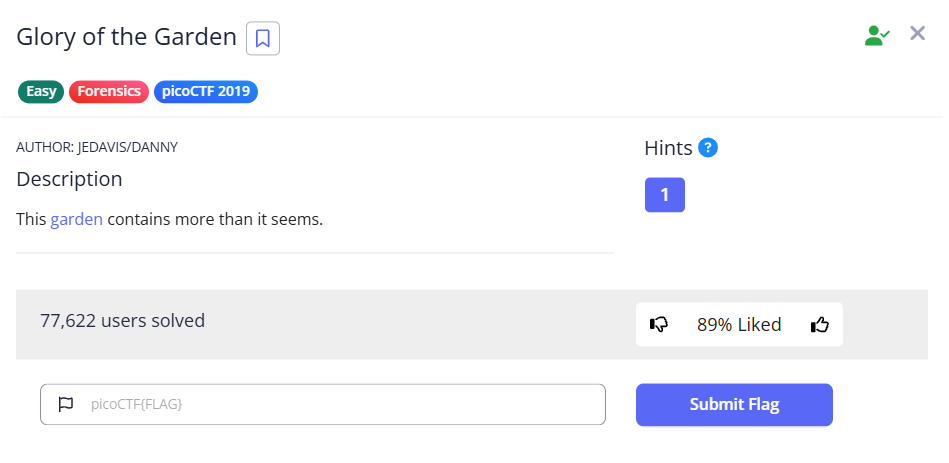
You can see the “garden” text in the description is colored blue, so a link must be attached to it. Aftering clicking on it, an image named - garden.jpg will be downloaded.

After analysing the image using - file, exiftool and binwalk commands I couldn’t find anything. But after using the strings command on the jpg, it returned the flag in the last line.
1
strings garden.jpg
I got the flag!
Flag: picoCTF{more_than_m33ts_the_3y33dd2eEF5}