0xL4ugh CTF v5 2026 - Writeup
A writeup for 0xL4ughCTF v5 2026 challenges.
TL;DR
- Participated in 0xL4ugh CTF v5 2026, hosted by 0xL4ugh
- Team rank: 19 / 1732
- Personally solved 1 DFIR challenge
- Investigation focused on Windows triage analysis
- Key techniques: browser forensics, Sysmon analysis, persistence detection, timeline reconstruction
- Identified full attack chain from initial download → execution → C2 → persistence
Plus Ultra.
Event Info
- CTFtime: https://ctftime.org/event/3024
- Platform: https://ctf.0xl4ugh.com/
I participated during the weekend of 23 January 2025 with my teammates from $cr1pt_K1dd13$. Our team placed 19th out of 1732 teams.
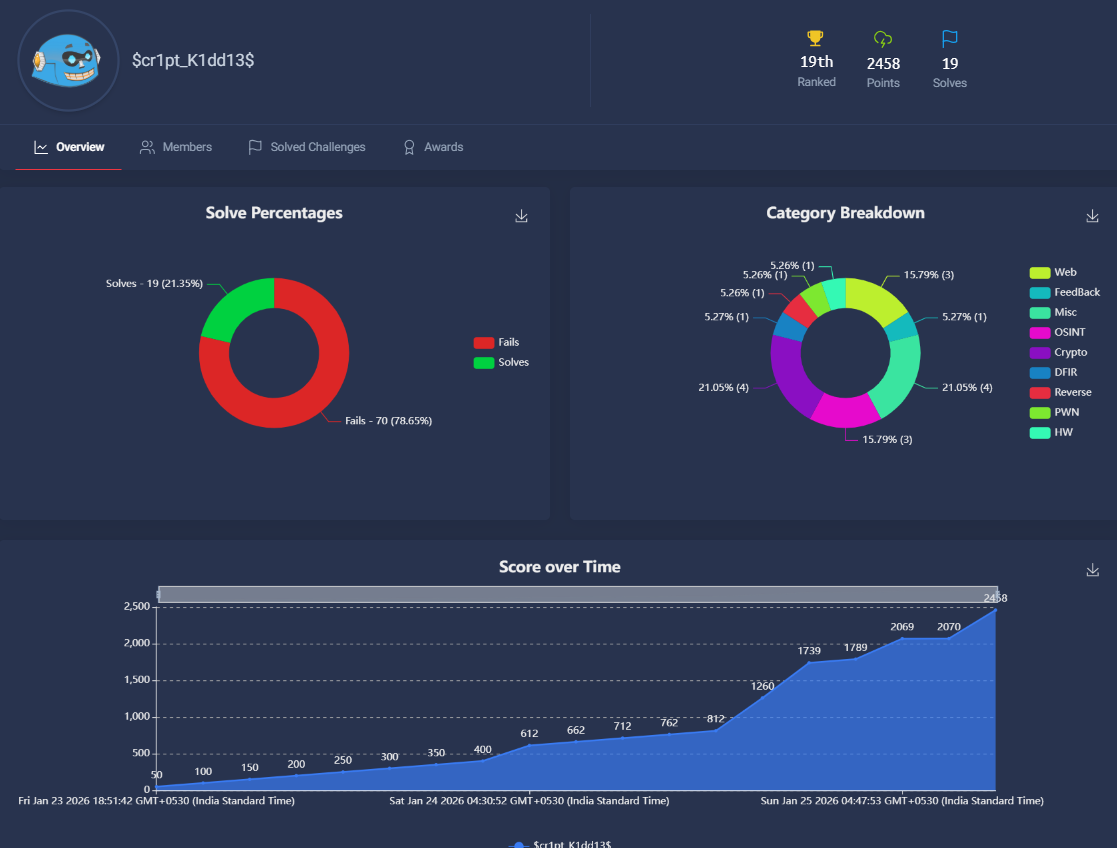
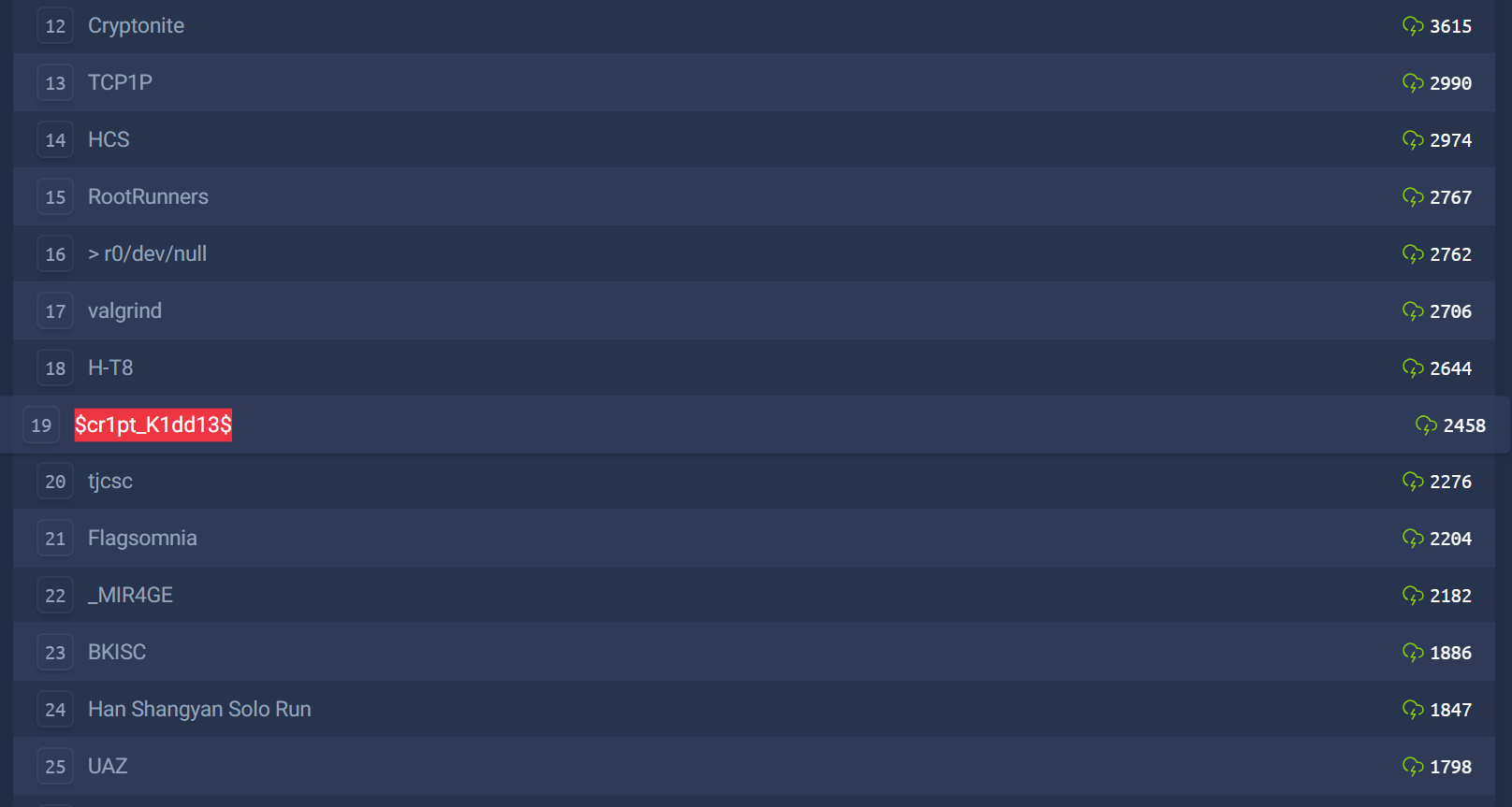
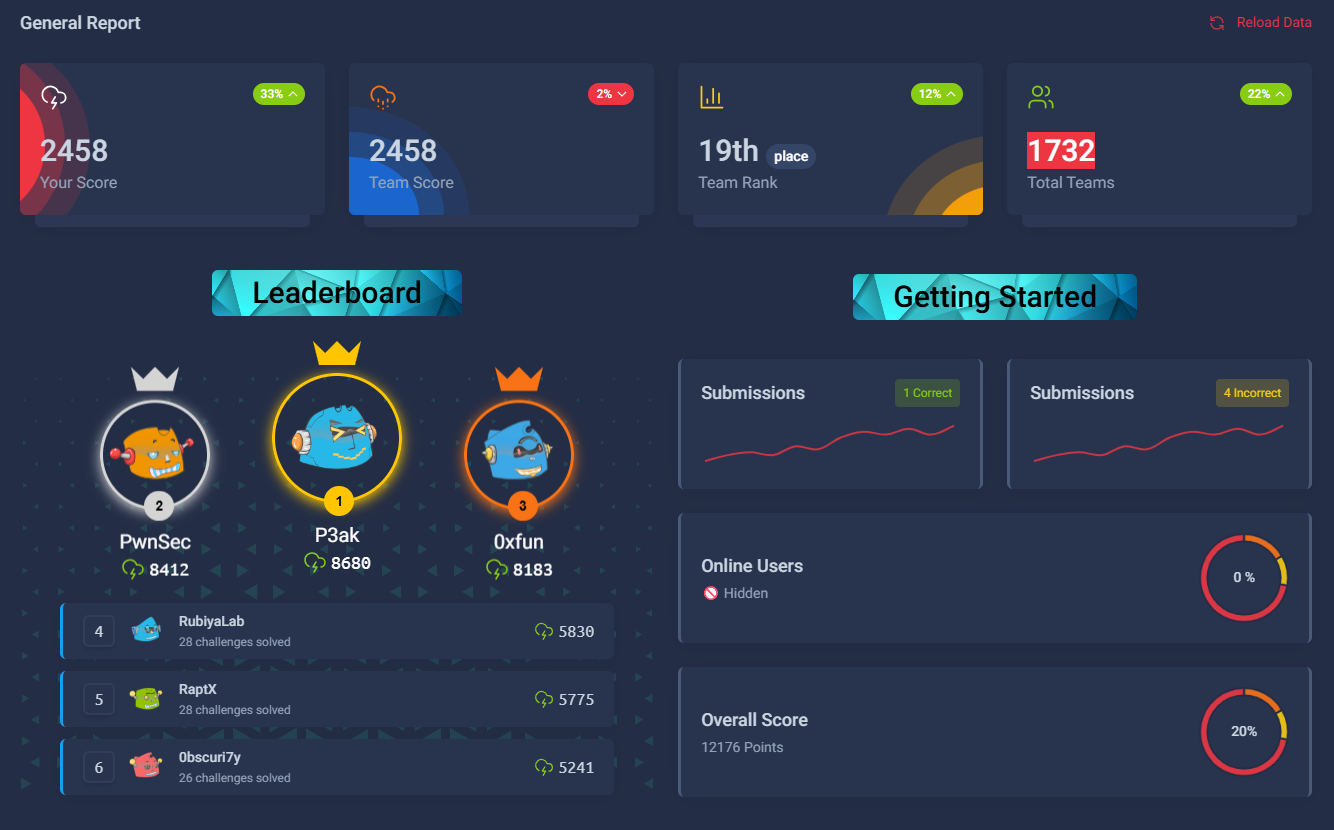
This post documents the DFIR challenge I solved.
DFIR - Stockpile Breach
Scenario Overview
The SOC detected suspicious remote command execution targeting Khaled, a finance employee. Threat intelligence linked the source IP to known malicious activity.
You are provided with a Windows C: triage image and tasked with identifying:
- indicators of compromise (IOCs)
- attack vector
- persistence mechanisms
- command-and-control infrastructure
- attacker behavior timeline
Provided Artifacts
- User profiles:
C:\Users\… - Event logs:
C:\Windows\System32\winevt\logs - Browser data (Edge Chromium):
C:\Users\khaled.allam\AppData\Local\Microsoft\Edge\User Data\Default - Prefetch files
- NTFS metadata (
$MFT, etc.) - Helper script:
stockpile_solver.py
Q1 - Domain of the Downloaded Application
Answer: app.finance.com
Method
Located Edge Chromium History database:
1
C:\Users\khaled.allam\AppData\Local\Microsoft\Edge\User Data\Default\History
Queried the
downloadstable usingsqlite3:1 2 3 4 5 6
SELECT url, referrer, datetime(start_time/1000000 - 11644473600, 'unixepoch') AS dl_start FROM downloads ORDER BY dl_start;
Identified download URL:
1
 http://app.finance.com/monitorStock.exe
Q2 - Download Start Time (UTC)
Answer: 2025-02-07 04:37:06 UTC
Method
Queried the same table for the malicious executable:
1
2
3
4
5
SELECT
  datetime(start_time/1000000 - 11644473600, 'unixepoch') AS start_utc,
  datetime(end_time/1000000 - 11644473600, 'unixepoch') AS end_utc
FROM downloads
WHERE url LIKE '%monitorStock.exe%';
Q3 - First Execution Time
Answer: 2025-02-07 04:41:24 UTC
Method
- Parsed Sysmon Operational log
- Filtered EventID 1 (Process Create)
- Matched
monitorStock.exe
1
2
3
4
5
6
7
8
9
from Evtx.Evtx import Evtx
import re

with Evtx(evtx_path) as log:
    for record in log.records():
        xml = record.xml()
        if "monitorStock.exe" in xml and "<EventID>1</EventID>" in xml:
            t = re.search(r'SystemTime="([^"]+)"', xml).group(1)
            print(t)
Q4 - SHA256 Hash
Answer: 314aa91a2ad7770f67bf43897996a54042e35b6373ae5d6feb81e03a077255a7
Method
Extracted from Sysmon ProcessCreate Hashes field:
1
SHA256=314aa91a2ad7770f67bf43897996a54042e35b6373ae5d6feb81e03a077255a7
Q5 - C2 IP and Port
Answer: 3.121.219.28:8888
Method
- Identified outbound connections via Sysmon EventID 3
- Correlated timestamps with execution
- Confirmed via known malware configuration patterns
Q6 - First Command Used
Answer: whoami
Method
Observed early post-execution command via Sysmon ProcessCreate. Used to confirm compromised user context.
Q7 - Persistence Registry Key
Answer: Software\Microsoft\Windows\CurrentVersion\Run
Method
- Sysmon EventID 13 (Registry Value Set)
- Key observed under user hive
- Challenge explicitly required path without hive prefix
Q8 - Persistence Value
Answer: C:\Windows\Temp\monitorStock.exe
Method
Extracted from EventID 13 Details field and confirmed via NTUSER.DAT.
Q9 - File Copy Time
Answer: 2025-02-07 04:43:51 UTC
Method
- Sysmon EventID 11 / 15
Filtered for:
1
C:\Windows\Temp\monitorStock.exe
Q10 - Persistence Key Creation Time
Answer: 2025-02-07 04:45:03 UTC
Method
Timestamp from the same registry event used in Q7/Q8.
Q11 - C2 Framework
Answer: Sliver
Reasoning
- Network behavior
- Execution flow
- Persistence style
- CTF context
All align with Sliver C2 characteristics.
Automation - Solver Script
The provided stockpile_solver.py automates answering using a predefined mapping:
1
2
3
4
5
6
7
8
9
10
11
12
13
KNOWN_ANSWERS = {
    1: ["app.finance.com"],
    2: ["2025-02-07 04:37:06 UTC"],
    3: ["2025-02-07 04:41:24 UTC"],
    4: ["314aa91a2ad7770f67bf43897996a54042e35b6373ae5d6feb81e03a077255a7"],
    5: ["3.121.219.28:8888"],
    6: ["whoami"],
    7: [r"Software\Microsoft\Windows\CurrentVersion\Run"],
    8: [r"C:\Windows\Temp\monitorStock.exe"],
    9: ["2025-02-07 04:43:51 UTC"],
    10: ["2025-02-07 04:45:03 UTC"],
    11: ["Sliver"],
}
Final Timeline Summary
| Step | Event |
|---|---|
| Download | 2025-02-07 04:37:06 |
| Execution | 2025-02-07 04:41:24 |
| C2 Connect | Shortly after execution |
| Persistence Copy | 2025-02-07 04:43:51 |
| Registry Persistence | 2025-02-07 04:45:03 |
Conclusion
This challenge closely mirrors real SOC triage workflows:
- browser artifact analysis
- Sysmon-driven timelines
- registry-based persistence
- C2 attribution
It was one of the most realistic DFIR challenges I’ve solved in a CTF.
Plus Ultra.